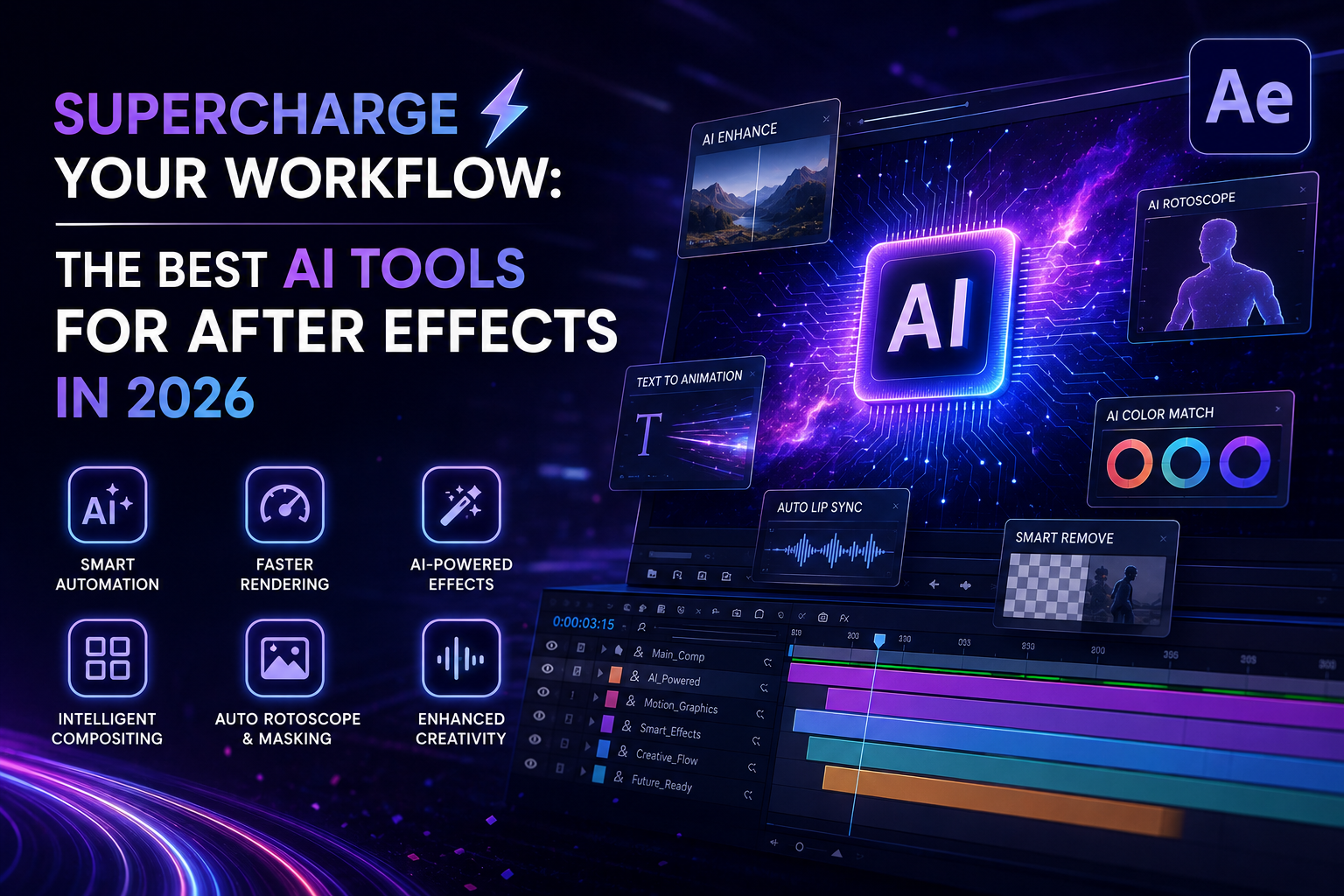
In 2026, the gap between a “good” motion designer and a “great” one is defined by how effectively they integrate AI into their pipeline. After Effects remains the industry standard, but it’s no longer a standalone silo—it’s the hub of an AI-augmented ecosystem.
Pearl Academy
If you’re ready to stop spending hours on frame-by-frame tedium and start focusing on high-level creative direction, here is your essential toolkit for 2026.
1. Built-in Powerhouses (Native Adobe AI)
Before reaching for third-party plugins, master the tools already living inside your Creative Cloud subscription. Adobe has aggressively integrated generative AI to handle the “heavy lifting”.
Adobe
- Content-Aware Fill for Video: Still the king of object removal. It intelligently analyzes surrounding pixels to erase mics, poles, or unwanted passersby without the need for manual roto. Pearl Academy
- Roto Brush 3.0+: AI-powered object matting has made the tedious task of frame-by-frame rotoscoping virtually obsolete. Adobe Help Center
- Adobe Firefly: Now integrated deeply into the Adobe workflow, it allows for generative content creation directly within your production environment, saving you from constant back-and-forth between apps. Imagine.Art
2. External AI Plugins for Precision
These tools extend After Effects’ capabilities, solving specific, high-friction problems that previously required manual labor.
- Quick Depth 3: A near-zero-click AI tool that generates high-quality depth maps from your footage or still images. It’s a game-changer for 3D compositing and depth-of-field effects. Boone Loves Video
- Mask Prompter: While it requires some finesse, this plugin uses AI to help you create masks based on text prompts. It’s an evolving technology that can save massive amounts of time on complex selections. Aescripts
- Neural Enhancement Suite: Perfect for upscaling, denoising, and restoring footage that isn’t quite production-ready. Aescripts
3. Workflow & Procedural Boosters
The best AI isn’t just about “generating” content—it’s about automating the parts of motion design that make you pull your hair out.
- Cavalry: While not a plugin, many After Effects artists are adopting Cavalry as a side-tool for its data-driven, procedural approach. It excels at tasks that would require thousands of expressions in AE. Imagine.Art
- AEPathfinder: Takes the headache out of complex vector shape operations (like intersecting or trimming) that native AE tools still struggle with. Boone Loves Video
- Renderly 2: An essential render-management script that lets you define multiple render sections within a composition, automating your output workflow with a single click. Boone Loves Video
The 2026 “No-Drama” Pipeline
To stay competitive, stop thinking in “layers” and start thinking in “pipelines.” Here is how top creators are currently stacking these tools:
- Previz & Ideation: Use Runway (Gen-4+) or ImagineArt to generate style frames or quick video concepts before you ever open After Effects. Pearl Academy
- Asset Prep: Use Quick Depth 3 to map your assets and Mask Prompter to isolate elements quickly. Boone Loves Video
- Animation: Use Cascadeur (AI-assisted keyframing) for complex character movement, or rely on After Effects’ internal Morphing Engine for smooth transitions. Pearl Academy
- Final Polish: Use Content-Aware Fill for plate cleanup and Renderly 2 to automate the delivery of your final assets. Pearl Academy
Final Thoughts
The goal of these AI tools isn’t to replace your artistic intent—it’s to remove the technical friction that stops you from executing it. In 2026, the artists who win aren’t the ones doing the most manual work; they are the ones who can direct AI to do the heavy lifting while they focus on the narrative arc, the timing, and the emotional impact of their work.
Noble Desktop Blog
What part of your AE workflow is currently taking you the longest? Let me know, and I can help you find a tool to automate it!