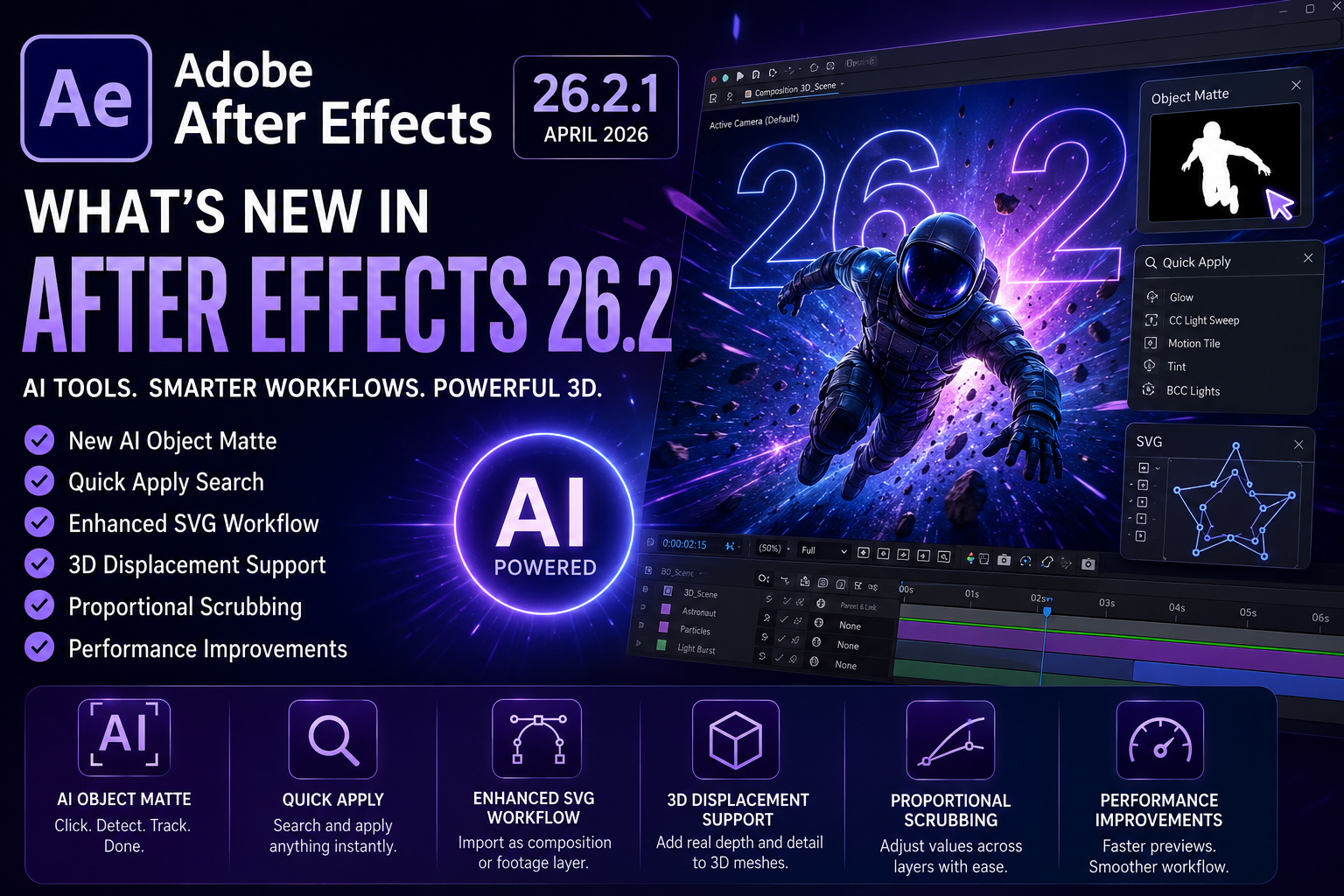
Adobe continues to push motion graphics and visual effects forward with the release of After Effects 26.2.1, the latest update available in April 2026. This release introduces powerful AI-assisted tools, significant 3D workflow enhancements, smarter SVG handling, and performance improvements that help motion designers, VFX artists, and content creators work faster than ever.
Whether you’re creating YouTube animations, broadcast graphics, social media content, or visual effects, the latest version delivers features that can dramatically improve productivity and creative flexibility.
What Is the Latest Version of After Effects?
The current version of Adobe After Effects is 26.2.1, released in April 2026. Adobe describes it as an update focused on workflow acceleration, AI-powered tools, and important stability improvements.
AI-Powered Object Matte: Faster Than Traditional Rotoscoping
One of the biggest additions in After Effects 26.2 is the new Object Matte Tool.
Instead of manually painting selections frame by frame like traditional rotoscoping, users can simply click on a subject and allow AI to generate and track the matte automatically throughout the shot. This dramatically reduces the time required for background replacement, visual effects compositing, and object isolation.
Benefits:
- Faster object selection
- Reduced rotoscoping time
- Automatic subject tracking
- Better workflow for social media edits and VFX projects
For many creators, this may become one of the most useful additions since Roto Brush.
Quick Apply: Search Anything Instantly
Adobe has also introduced Quick Apply, a universal search system that lets users instantly find effects, presets, and commands.
Instead of navigating multiple menus, editors can simply search and apply tools directly from a single interface. This feature helps eliminate repetitive searching and speeds up everyday workflows.
Why It Matters:
- Faster effect application
- Improved productivity
- Easier access to animation presets
- Better workflow for large projects
Enhanced SVG Workflow
After Effects 26.2 expands support for SVG graphics.
Designers can now choose between importing SVG files as:
- Editable compositions
- Single footage layers
This flexibility allows motion designers to animate individual vector elements when needed or keep graphics lightweight for simpler projects.
Improved 3D Tools and Displacement Support
Adobe continues investing heavily in native 3D capabilities.
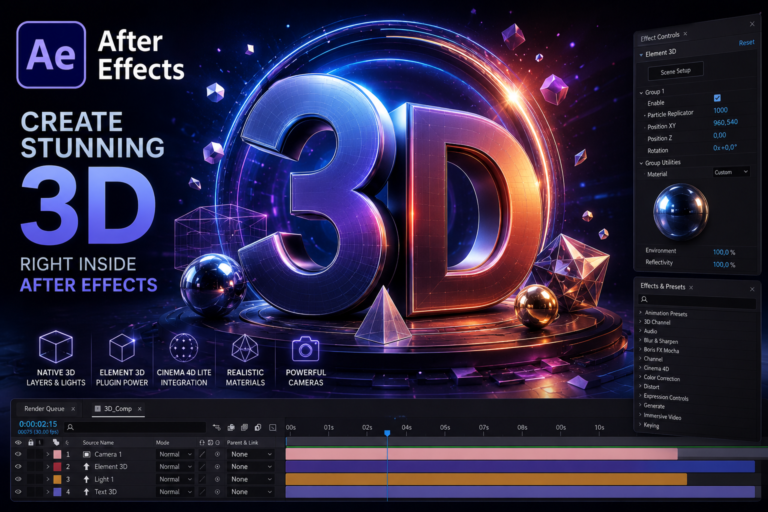
The latest release introduces displacement support for parametric 3D meshes, allowing materials to add actual depth and surface detail instead of appearing flat. This creates more realistic surfaces and opens new possibilities for product visualization and motion design.
Ideal For:
- Product animations
- Broadcast graphics
- Motion design
- Abstract visual effects
- Architectural visualization
Native 3D Shapes and Substance Materials
The major 26.0 release laid the foundation for many of today’s improvements.
New features introduced include:
- Native 3D shape creation
- Parametric 3D objects
- Improved shadow rendering
- Native Substance 3D material support
- Access to extensive material libraries
These additions reduce the need to leave After Effects for many common 3D design tasks.
Proportional Scrubbing: Smarter Animation Adjustments
Creating offsets and cascades across multiple layers is now significantly easier.
With Proportional Scrubbing, users can adjust values across multiple layers while automatically distributing changes proportionally. This is particularly useful for:
- Staggered animations
- Motion spreads
- Sequential effects
- Kinetic typography
The result is smoother animation creation with fewer manual adjustments.
Major Performance Improvements
One of the most surprising discoveries in version 26.2 is improved Advanced 3D rendering performance.
Independent benchmark testing revealed substantial performance gains for many GPU platforms, with some systems seeing multiple-fold improvements in 3D workflows compared to earlier releases. These optimizations make After Effects more capable for complex 3D motion graphics projects.
Why Motion Designers Should Upgrade
After Effects 26.2 is more than a maintenance update.
The combination of:
- AI-powered Object Matte
- Quick Apply search
- Improved SVG workflows
- Enhanced 3D capabilities
- Better performance
makes this one of the most significant productivity-focused releases in recent years.
Final Thoughts
Adobe After Effects 2026 demonstrates a clear direction toward AI-assisted creativity and deeper 3D integration. The new Object Matte tool alone can save hours of manual work, while improvements to SVG support, displacement mapping, and workflow efficiency help motion designers focus more on creativity and less on repetitive tasks.
For freelancers, YouTube creators, broadcast designers, and VFX professionals, After Effects 26.2 delivers meaningful improvements that can directly impact project speed, quality, and productivity.
As Adobe continues expanding AI and 3D technologies, After Effects is becoming not just a compositing tool but a complete motion design platform for the future.