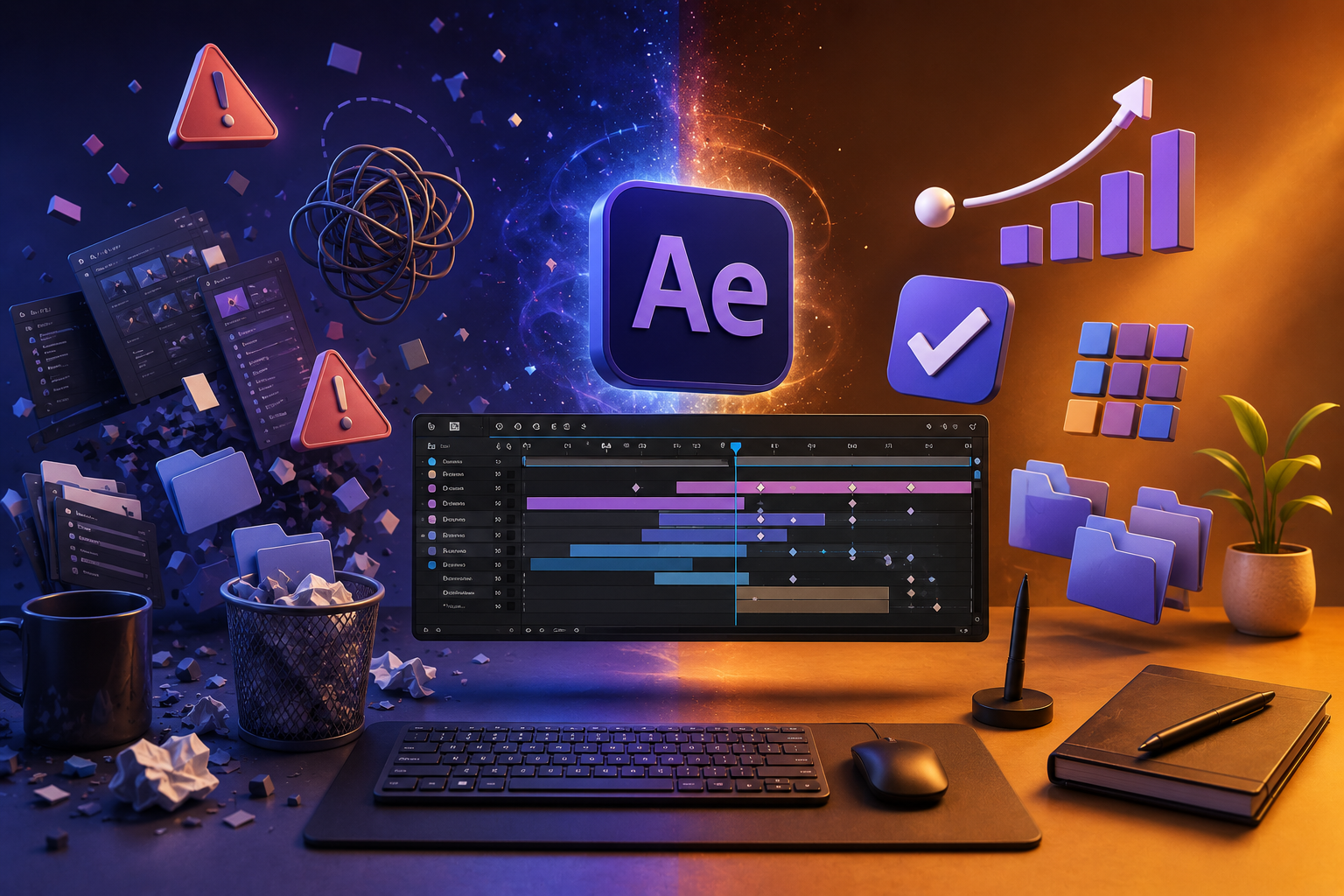
Learning Adobe After Effects is exciting, but it’s also easy to develop habits that slow you down, cause crashes, and make projects difficult to manage. Every professional motion designer has made these mistakes at some point—the difference is that they learned how to fix them.
If you’re just starting your motion graphics journey, avoiding these common mistakes will help you work faster, create cleaner animations, and become a better designer.
1. Jumping Straight into Effects
Many beginners think great animation comes from using dozens of flashy effects.
The truth is that professional animations rely on strong timing, composition, and storytelling—not just effects.
Instead:
- Learn keyframes first.
- Understand easing and the Graph Editor.
- Practice simple shape animations before exploring plugins.
2. Ignoring Layer Names
Projects quickly become confusing when every layer is named Shape Layer 1, Solid 4, or Null 7.
Professional projects often contain hundreds of layers.
Good habit:
Rename every important layer with meaningful names such as:
- Logo
- Background
- Camera
- Title Text
- CTA Button
You’ll thank yourself during revisions.
3. Not Organizing the Project Panel
Many beginners leave imported files scattered throughout the Project panel.
Create folders such as:
- Images
- Audio
- Videos
- Precomps
- Solids
- Exports
A clean project saves time and makes collaboration much easier.
4. Animating Everything at Once
Adding movement to every object makes animations feel chaotic.
Good motion design guides the viewer’s attention.
Ask yourself:
- What should viewers notice first?
- What supports the main message?
- What can stay still?
Sometimes less movement creates a stronger impact.
5. Ignoring the Graph Editor
Linear keyframes often make animations feel robotic.
The Graph Editor lets you create natural acceleration and deceleration, making your work look smoother and more professional.
Learning this tool is one of the biggest upgrades you can make.
6. Using Huge Images Everywhere
Importing 8K images into a Full HD project wastes memory and slows previews.
Before importing:
- Resize oversized images.
- Compress files when appropriate.
- Use only the resolution you actually need.
Smaller assets often mean faster workflows.
7. Forgetting to Pre-compose
As projects grow, timelines become difficult to manage.
Pre-compositions help you:
- Organize complex animations.
- Reuse elements.
- Keep timelines clean.
- Apply effects to groups of layers.
Think of pre-comps as folders for your animation.
8. Overusing Motion Blur
Motion Blur adds realism, but too much can make animations look messy and increase render times.
Enable it only where it improves the animation.
9. Never Saving Incremental Versions
Imagine spending six hours on a project only for the file to become corrupted.
Professionals save versions like:
- Project_v01
- Project_v02
- Project_v03
This makes it easy to recover earlier work if something goes wrong.
10. Ignoring Keyboard Shortcuts
Using only the mouse slows down your workflow.
Start learning shortcuts for:
- Position
- Scale
- Rotation
- Opacity
- Trim Layers
- Duplicate
- Undo
- Preview
Even a few shortcuts can save hours over time.
11. Chasing Plugins Too Early
Plugins are powerful, but they can’t replace solid fundamentals.
Master:
- Keyframes
- Shape Layers
- Masks
- Mattes
- Parenting
- Expressions
Once you’re comfortable with these, plugins become productivity tools—not crutches.
12. Skipping Project Optimization
Large projects become sluggish if they’re not optimized.
Use techniques such as:
- Proxy files
- Pre-renders
- Purging cache
- Closing unused panels
- Cleaning unused assets
- Reducing unnecessary effects
Efficient projects are easier to preview and render.
13. Forgetting Audio
Animation isn’t just visual.
Good sound effects and music dramatically improve the viewer’s experience.
Even simple clicks, whooshes, and subtle ambience can make animations feel polished.
14. Comparing Yourself to Professionals
Social media often showcases only finished work.
Remember that experienced motion designers have spent years refining their skills.
Focus on improving a little with every project instead of chasing perfection.
15. Not Practicing Consistently
Watching tutorials alone won’t make you better.
The fastest improvement comes from creating your own projects, experimenting, making mistakes, and solving problems.
Consistency beats intensity.
Final Thoughts
Every motion designer starts as a beginner. The mistakes you make today become the lessons that shape your future workflow.
Instead of trying to learn every feature in After Effects, focus on building strong fundamentals, staying organized, and creating projects regularly. Over time, your speed, confidence, and creativity will grow naturally.