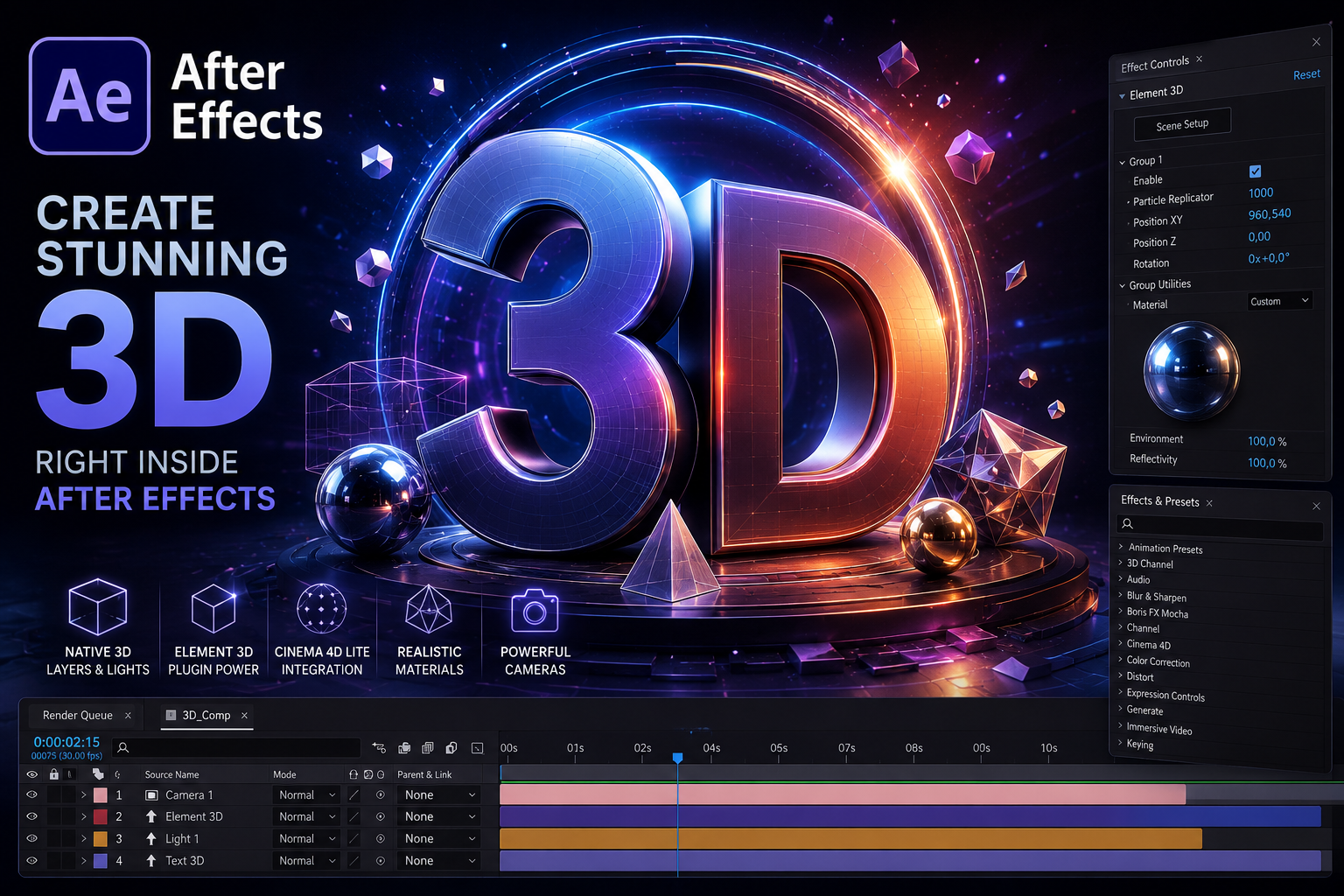
For years, Adobe After Effects has been the go-to application for motion graphics, visual effects, and broadcast design. While traditionally known as a 2D compositing tool, After Effects has evolved significantly, offering powerful 3D capabilities that continue to grow with every release.
From Video Copilot’s legendary Element 3D plugin to Adobe’s new native 3D tools, motion designers now have multiple ways to create stunning 3D content without leaving their favorite application.
In this article, we’ll explore Element 3D, native After Effects 3D features, and the exciting possibilities shaping the future of 3D motion graphics.
The Evolution of 3D in After Effects
For many years, After Effects offered basic 3D layers and cameras. Designers could position layers in 3D space, animate cameras, and create parallax effects, but creating true 3D objects required external applications.
As demand for 3D motion design grew, third-party developers filled the gap with plugins that brought real-time 3D rendering directly into After Effects.
The most influential of these was Element 3D.
Why Element 3D Changed Everything
When Video Copilot released Element 3D, it revolutionized motion graphics workflows.
Instead of switching between multiple applications, designers could import and animate 3D models directly inside After Effects.
Key Features of Element 3D
Real-Time Rendering
Unlike traditional rendering workflows, Element 3D uses GPU acceleration to display results almost instantly.
Benefits include:
- Faster previews
- Quicker iterations
- Reduced rendering times
- Improved productivity
Import 3D Models
Element 3D supports common 3D formats including:
- OBJ
- C4D files
- 3DS models
This allows artists to bring assets from various 3D applications directly into After Effects.
Advanced Materials
Users can create realistic materials with:
- Reflections
- Glossiness
- Metallic surfaces
- Environmental lighting
Particle Replicators
One of Element 3D’s most powerful features is the ability to create thousands of duplicated objects quickly.
Examples include:
- Flying logos
- Dynamic backgrounds
- Product reveals
- Broadcast graphics
Why Motion Designers Still Love Element 3D
Even in 2026, Element 3D remains one of the fastest solutions for motion graphics designers.
Perfect for:
- Broadcast packages
- TV channel branding
- Logo animations
- Product visualization
- Explainer videos
- Event graphics
For many studios, Element 3D is still the quickest route from concept to final animation.
Native 3D in Modern After Effects
Adobe has dramatically improved native 3D capabilities in recent releases.
The latest versions include:
Native 3D Models
After Effects now supports importing and working with 3D models directly.
Parametric 3D Objects
Create:
- Cubes
- Spheres
- Cylinders
- Custom shapes
without external plugins.
Advanced Lighting
Modern After Effects supports:
- Spot Lights
- Point Lights
- Parallel Lights
- Improved shadows
This creates more realistic scenes directly within the application.
Substance 3D Materials
One of the most exciting additions is support for Adobe Substance materials.
Designers can apply realistic:
- Metal
- Plastic
- Wood
- Fabric
- Concrete
surfaces directly to 3D objects.
Cinema 4D Integration
Every Creative Cloud subscription includes Cinema 4D Lite.
This opens powerful possibilities such as:
Motion Graphics
Create sophisticated 3D animations using MoGraph tools.
Extruded Text
Generate realistic 3D text and logos.
Complex Modeling
Build custom objects beyond the limitations of basic primitives.
Seamless Workflow
Projects can move between Cinema 4D and After Effects without complicated exports.
Unreal Engine and After Effects
The rise of real-time rendering has introduced another exciting workflow.
Many motion designers now combine:
- Unreal Engine
- After Effects
- Cinema 4D
- Blender
to create cinematic-quality visuals.
Benefits of Unreal Engine
- Real-time ray tracing
- Virtual production
- Massive environments
- Photorealistic lighting
- High-end cinematic rendering
After Effects remains an essential tool for final compositing, titles, and finishing work.
Blender: The Free Alternative
Blender has become one of the most popular 3D applications in the world.
Why designers love Blender:
Completely Free
No subscription fees.
Advanced Modeling
Professional-grade modeling tools.
Realistic Rendering
Cycles and Eevee render engines.
Animation Tools
Character animation, simulations, and visual effects.
Many designers create assets in Blender and finish projects inside After Effects.
AI and the Future of 3D Motion Graphics
Artificial Intelligence is rapidly transforming creative workflows.
Emerging technologies include:
AI Materials
Automatically generate realistic textures and materials.
AI Scene Creation
Build complete environments from text prompts.
AI Lighting
Generate photorealistic lighting instantly.
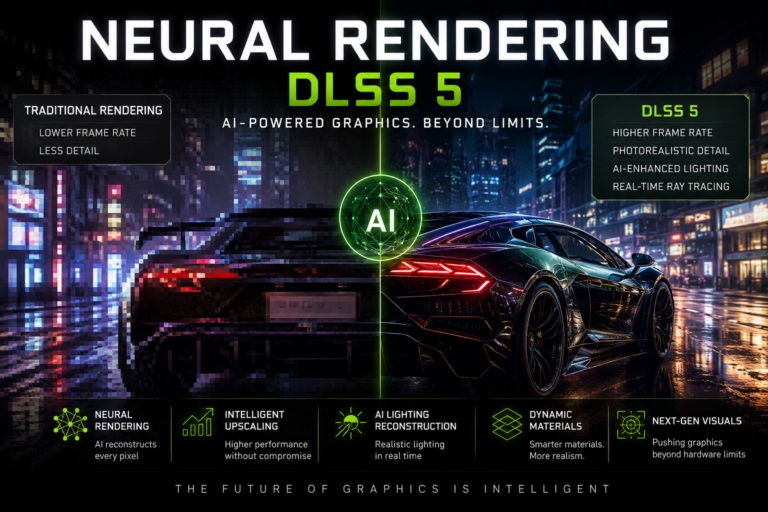
Neural Rendering
Use AI to reconstruct realistic visuals in real time.
These innovations will likely become standard parts of future After Effects workflows.
Which 3D Solution Is Right for You?
Choose Element 3D If:
- You create broadcast graphics
- You need fast rendering
- You work primarily inside After Effects
- You animate logos and products frequently
Choose Native After Effects 3D If:
- You want an all-in-one Adobe workflow
- You use Substance materials
- You prefer integrated tools
- You create motion graphics regularly
Choose Blender or Cinema 4D If:
- You need advanced modeling
- You create complex animations
- You build detailed 3D scenes
- You require professional VFX workflows
Choose Unreal Engine If:
- You want photorealistic rendering
- You create virtual production environments
- You need real-time cinematic quality
Final Thoughts
The world of 3D motion graphics has never been more exciting.
Element 3D continues to be one of the fastest and most efficient tools for motion designers, while Adobe’s growing native 3D ecosystem is reducing the need for third-party plugins. Combined with Cinema 4D, Blender, Unreal Engine, and emerging AI technologies, today’s artists have more creative freedom than ever before.
Whether you’re creating broadcast graphics, YouTube content, product animations, or cinematic visual effects, mastering 3D workflows in After Effects can dramatically expand your creative possibilities and career opportunities.
The future of motion graphics is no longer just 2D—it’s fully immersive, real-time, AI-enhanced, and increasingly three-dimensional.